How to Create a Free Temporary Email in Seconds (Step-by-Step Guide)
In today’s digital world, almost every website asks for an email address. Whether you’re signing up for a free trial, downloading software, or accessing exclusive content, your inbox can quickly become flooded with spam. That’s where a temporary email comes in.
A temporary email (also known as a disposable email or temp mail) allows you to generate a working email address instantly — without registration and without using your personal inbox.
In this guide, you’ll learn how to create a free temporary email in seconds.
What Is a Temporary Email?
A temporary email is a short-term, disposable email address that automatically expires after a certain period. It allows you to receive verification emails, activation links, and messages without revealing your real email address.
Most temp mail services:
Require no sign-up
Generate email instantly
Automatically delete inboxes
Protect you from spam
Step-by-Step: Create a Free Temporary Email
Step 1: Visit a Temporary Email Website
Some of the most popular free services include:
10 Minute Mail
Guerrilla Mail
EmailOnDeck
Simply open one of these websites in your browser.
Step 2: Copy the Generated Email Address
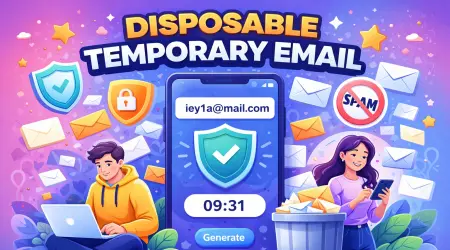
As soon as the page loads, the site automatically generates a random email address for you. Just click the Copy button.
Example format:
yourname123@fakemailz.net
No registration. No password. No setup.
Step 3: Use It for Registration
Paste the temporary email address into:
Website sign-up forms
Free trials
Software downloads
Online forums
Coupon sites
Step 4: Receive Verification Emails
Keep the temp mail page open. Incoming emails will appear instantly in the inbox on that page. Click the verification link, and you’re done.
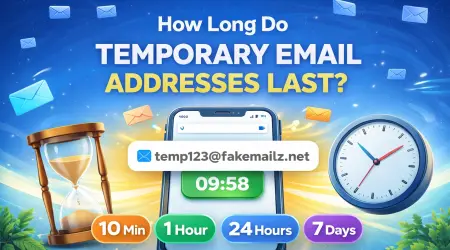
How Long Does a Temporary Email Last?
The expiration time depends on the provider:
10–20 minutes (Fake Mailz, 10 Minute Mail)
Around 1 hour (Fake Mailz, Guerrilla Mail)
Until you close the tab (some Temp Mail services)
After expiration, the inbox and messages are permanently deleted.
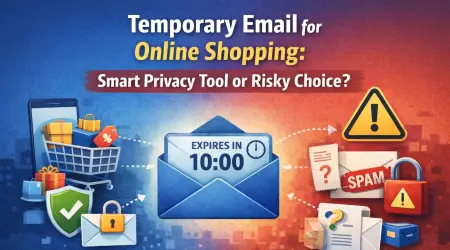
Is Temporary Email Safe?
Temporary email is safe for basic use cases, such as:
Avoiding spam
Testing websites
Downloading free tools
Accessing one-time content
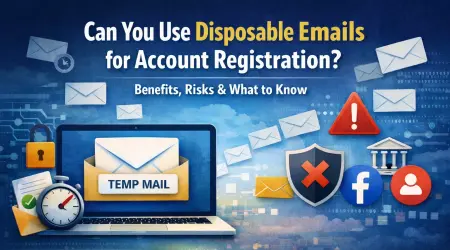
However, you should never use it for:
Banking accounts
Important business registrations
Personal social media accounts
Password recovery
Since many temp mail inboxes are public, sensitive information should always be kept on your primary email account.
Why Use a Temporary Email?
Here are the biggest benefits:
✔ Protect your privacy
✔ Reduce spam in your main inbox
✔ Quick account testing
✔ No long-term commitment
✔ 100% free
If you frequently test websites, download software, or create online accounts, a temporary email address can save you time and keep your inbox clean.
Final Thoughts
Creating a free temporary email takes less than 10 seconds. Just open a trusted temp mail provider, copy the generated address, and start using it immediately.
It’s one of the easiest ways to protect your online privacy while staying spam-free.